# 僵尸毁灭工程开服器

<pre class="language-csharp" data-title="Project Zomboid Server.sln"><code class="lang-csharp"><strong>Software software = new Software();
</strong>software.Name = "灵工艺僵尸毁灭工程开服器";
software.ProjectID = "NullCraft Project Zomboid Server";
software.Release = "https://nullcraft.org/d/114";
software.ReleaseDate = DateTime.Parse("2025,07,28").ToString();
software.Language = new string[] { "简体中文" };
software.Program = "C#";
software.Framework = ".NET 8";

NullCraftSoftwareList.add(software);

Trace.WriteLine(NullCraftSoftwareList.Items.Conut());

>>> 27
</code></pre>

## 关于《灵工艺僵尸毁灭工程开服器》

### 下载《灵工艺僵尸毁灭工程开服器》

{% embed url="<https://nullcraft.org/d/114>" %}

### 软件介绍

一款由灵工艺发布快辰开发的僵尸毁灭工程游戏服务器管理工具。

### 使用教学

{% content-ref url="../tutorial/project-zomboid-server" %}
[project-zomboid-server](https://docs.nullcraft.org/tutorial/project-zomboid-server)
{% endcontent-ref %}

### 软件图片

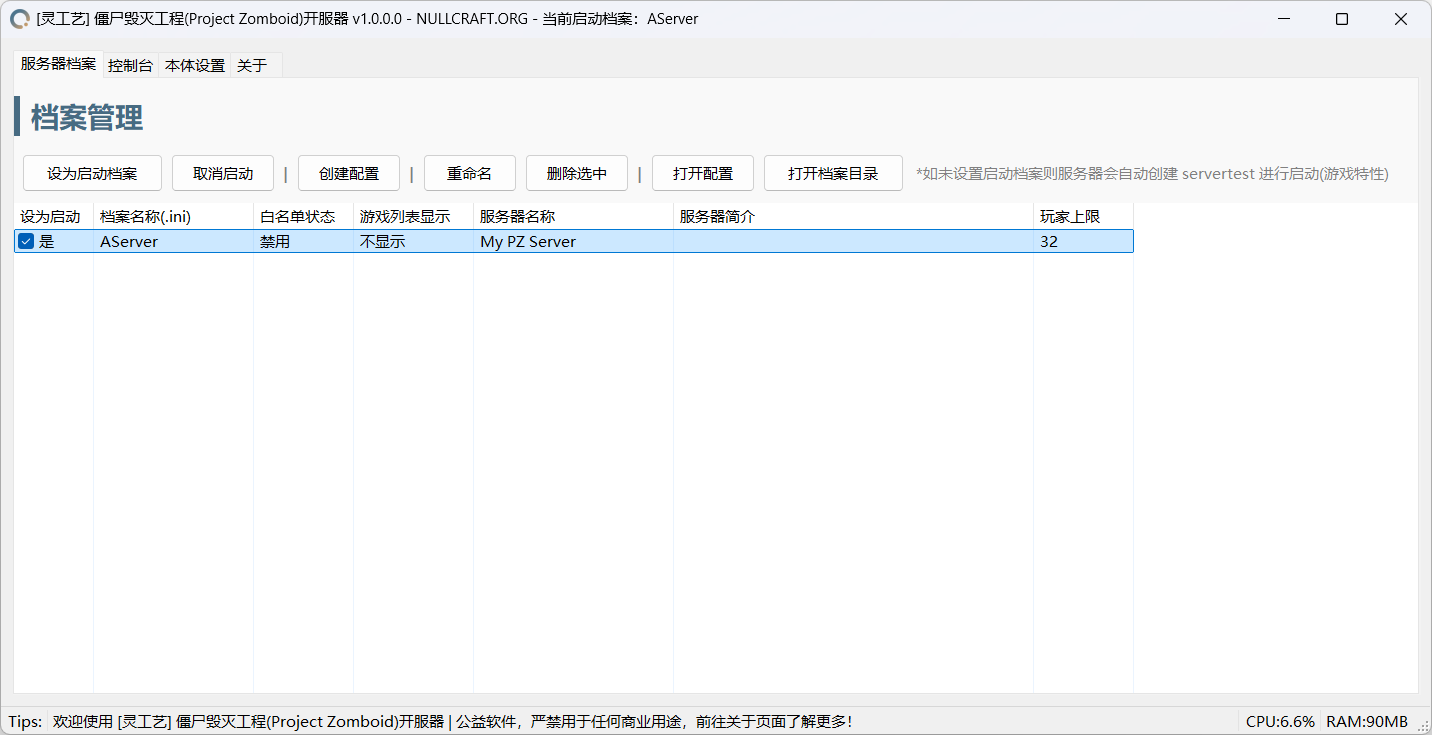
<figure><img src="https://3120800205-files.gitbook.io/~/files/v0/b/gitbook-x-prod.appspot.com/o/spaces%2FBw0VwoV0yDZshBzmKvNc%2Fuploads%2F6JLdjtHT17LpjtpXuaWu%2Fprofile.png?alt=media&#x26;token=d88d419e-b669-4c9a-9661-7a9f2776e3a9" alt=""><figcaption><p>灵工艺僵尸毁灭工程开服器 | 服务器档案管理</p></figcaption></figure>

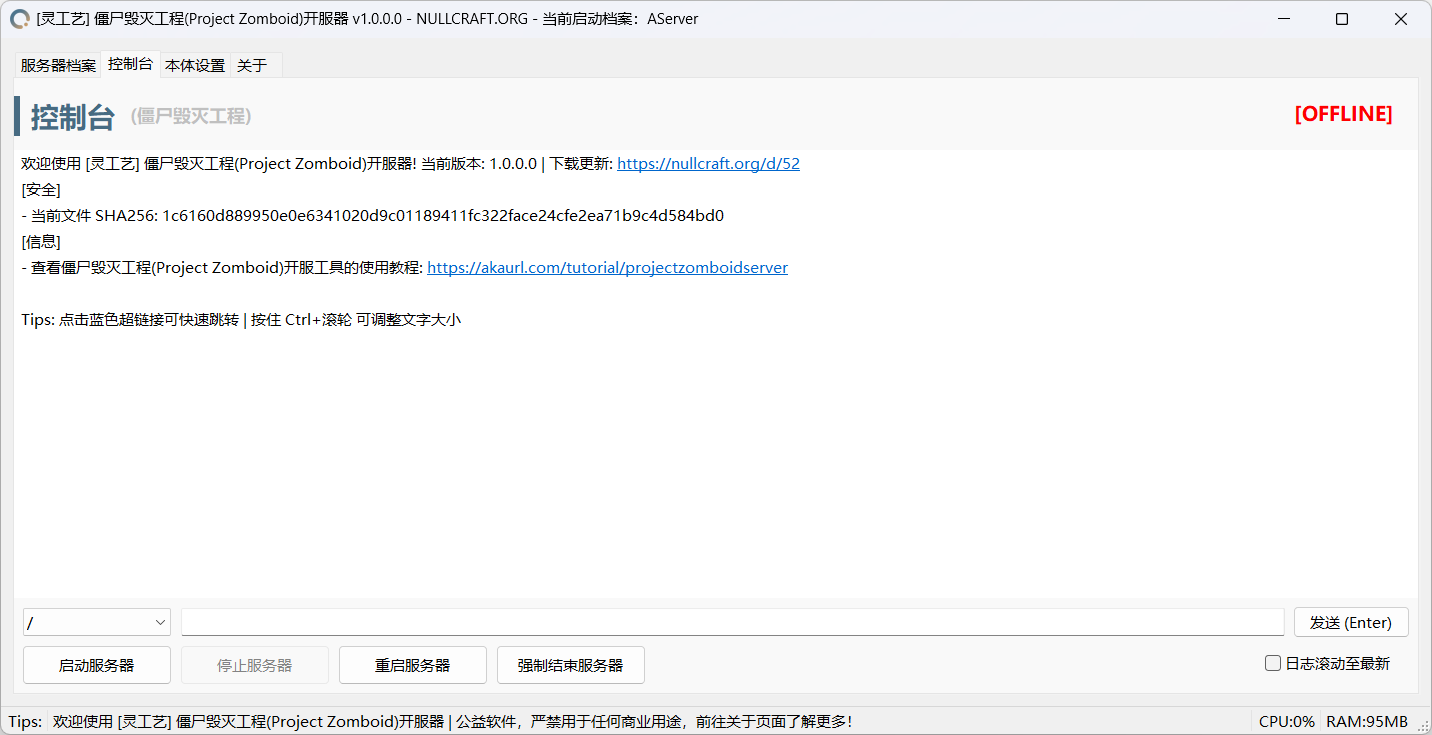
<figure><img src="https://3120800205-files.gitbook.io/~/files/v0/b/gitbook-x-prod.appspot.com/o/spaces%2FBw0VwoV0yDZshBzmKvNc%2Fuploads%2FgXLpS9nj4IXoMJa87NDa%2Fconsole.png?alt=media&#x26;token=ef1092a5-d77b-46a9-9b8b-da13440d35aa" alt=""><figcaption><p>灵工艺僵尸毁灭工程开服器 | 控制台</p></figcaption></figure>

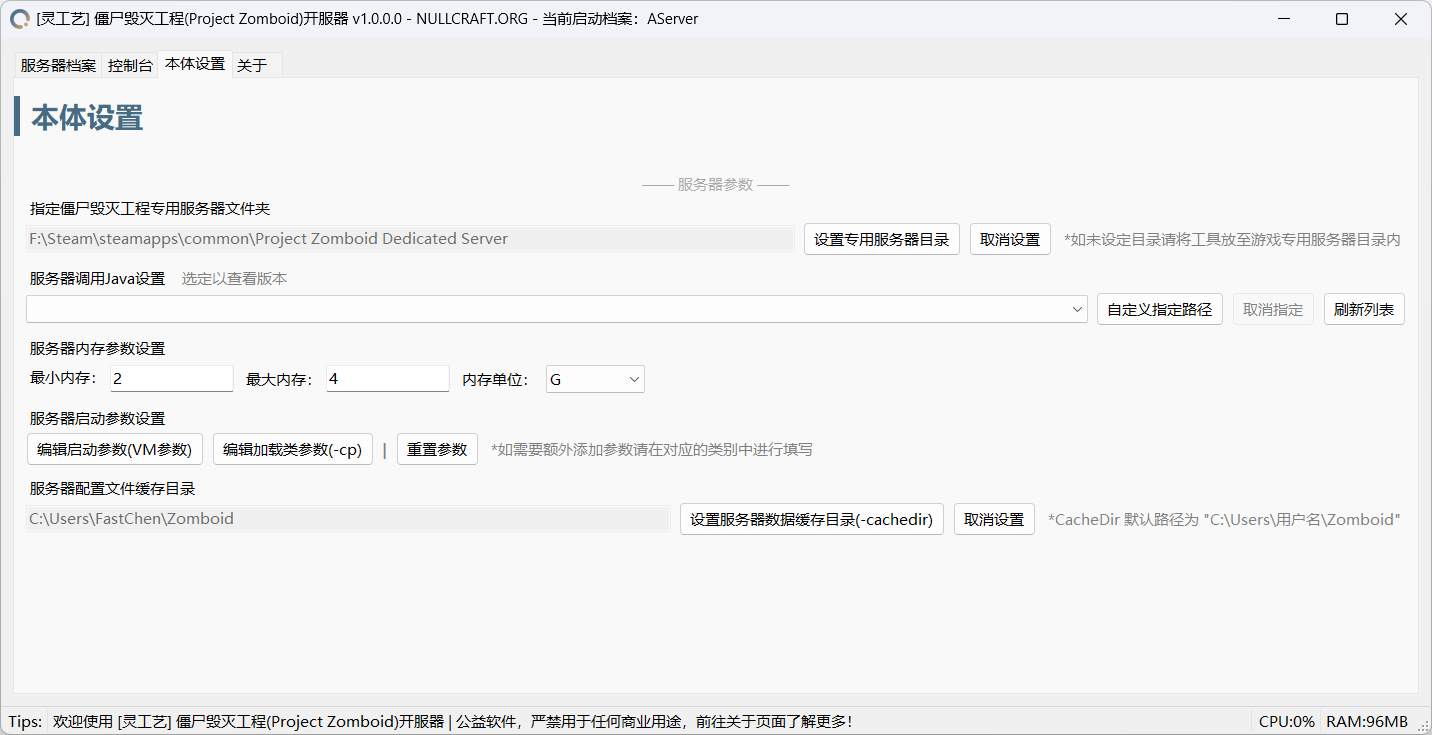
<figure><img src="https://3120800205-files.gitbook.io/~/files/v0/b/gitbook-x-prod.appspot.com/o/spaces%2FBw0VwoV0yDZshBzmKvNc%2Fuploads%2FRT4j0GyHziEpwWzZPqFS%2Fsettings.png?alt=media&#x26;token=08f35b6e-78b3-4614-92fa-f71152ca070c" alt=""><figcaption><p>灵工艺僵尸毁灭工程开服器 | 本体设置</p></figcaption></figure>

## 特别鸣谢

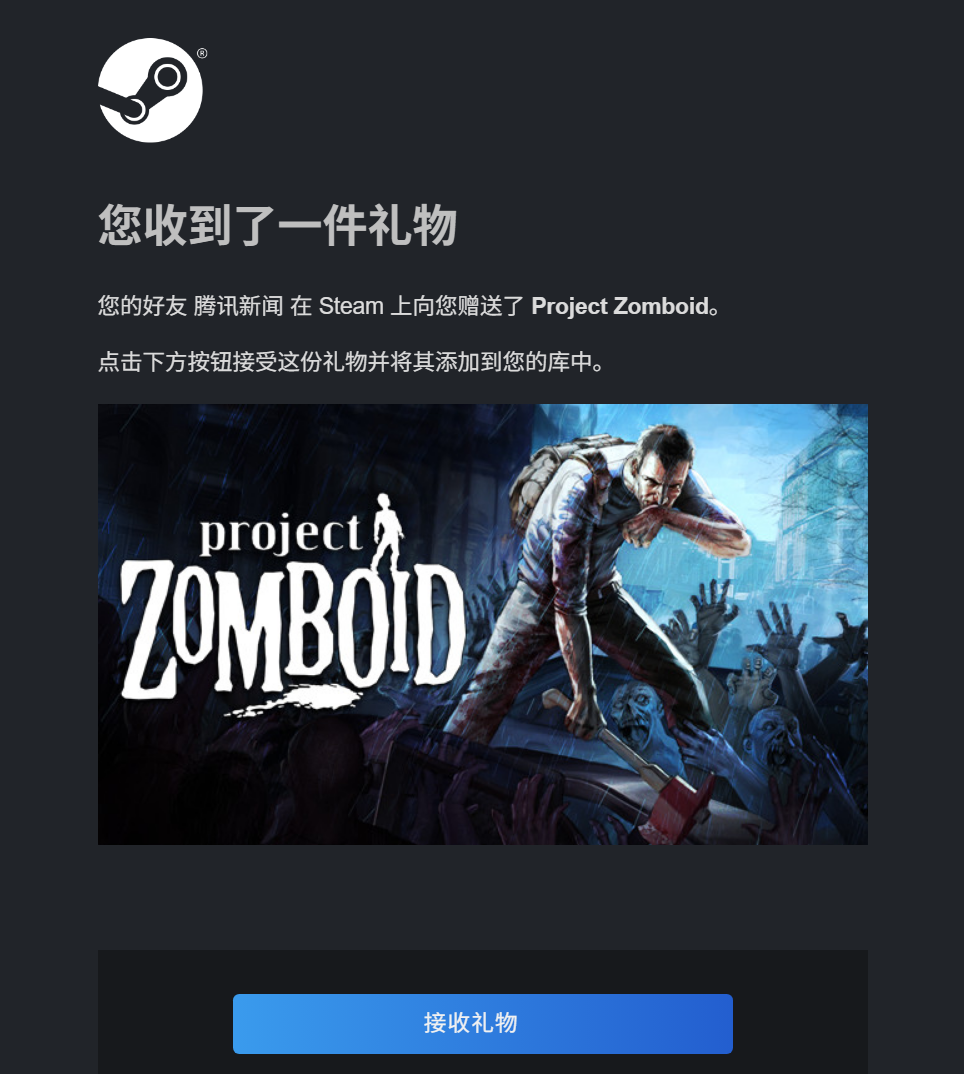
感谢群友："腾讯网" 特别赞助游戏支持开发！

<div align="left"><figure><img src="https://3120800205-files.gitbook.io/~/files/v0/b/gitbook-x-prod.appspot.com/o/spaces%2FBw0VwoV0yDZshBzmKvNc%2Fuploads%2FmGAOK2f8Sdmoyt1yg1cj%2FQQ20250728-213239.jpg?alt=media&#x26;token=d73d3a1d-669e-4a15-a31e-34c4002b6bcc" alt="" width="375"><figcaption></figcaption></figure></div>


---

# Agent Instructions: Querying This Documentation

If you need additional information that is not directly available in this page, you can query the documentation dynamically by asking a question.

Perform an HTTP GET request on the current page URL with the `ask` query parameter:

```
GET https://docs.nullcraft.org/software/project-zomboid-server.md?ask=<question>
```

The question should be specific, self-contained, and written in natural language.
The response will contain a direct answer to the question and relevant excerpts and sources from the documentation.

Use this mechanism when the answer is not explicitly present in the current page, you need clarification or additional context, or you want to retrieve related documentation sections.