> For the complete documentation index, see [llms.txt](https://docs.nullcraft.org/llms.txt). Markdown versions of documentation pages are available by appending `.md` to page URLs; this page is available as [Markdown](https://docs.nullcraft.org/plugin/vscode-fileinfo.md).
# Fileinfo - VSCode
Fileinfo - 一个 VSCode 插件
{% embed url="" fullWidth="false" %}
## Fileinfo - 一个 VSCode 插件
目前它可以显示二进制文件信息。
### Use / 使用
安装它或者在 VSCode 拓展中搜索 fileinfo 安装即可启用
### Features / 功能
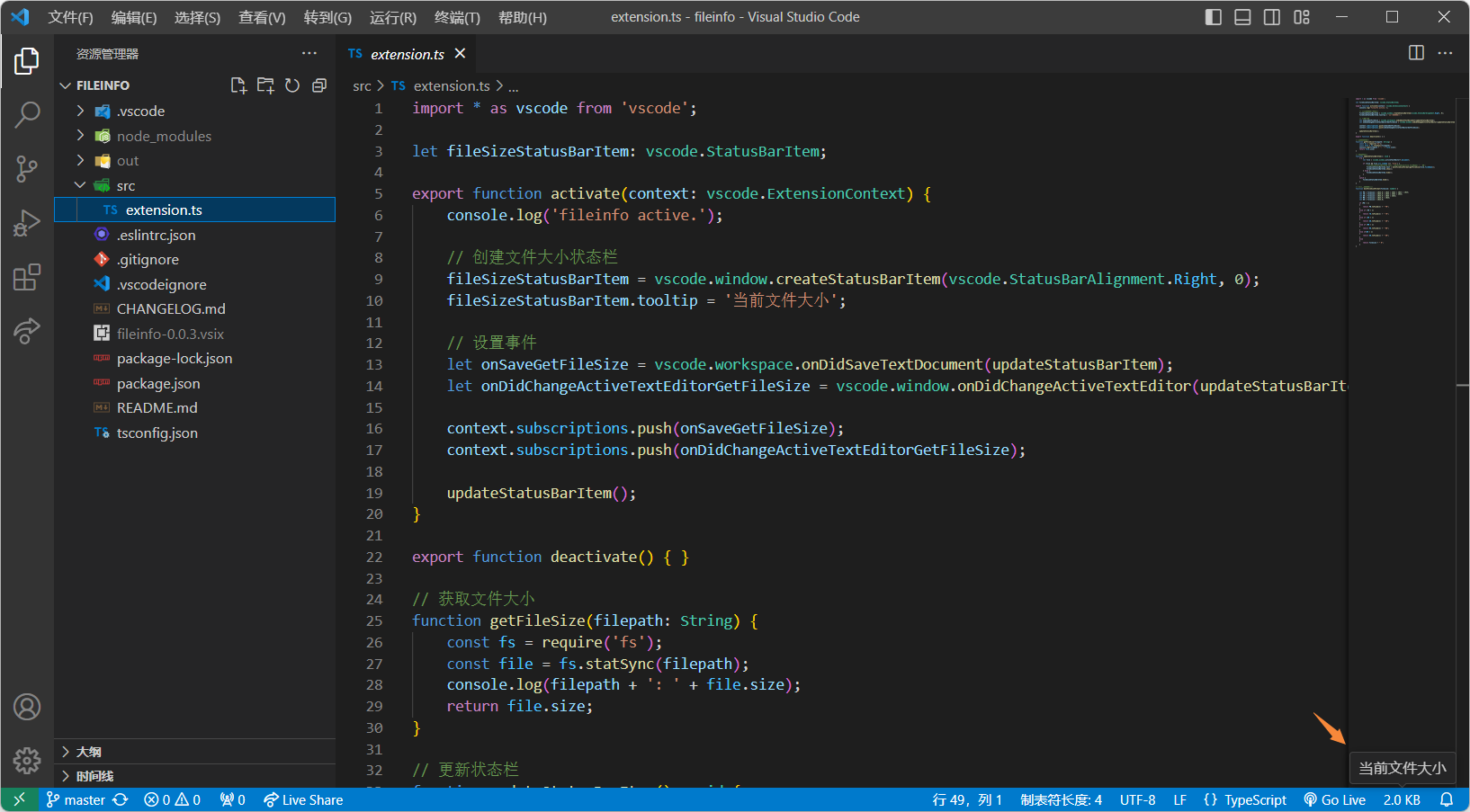
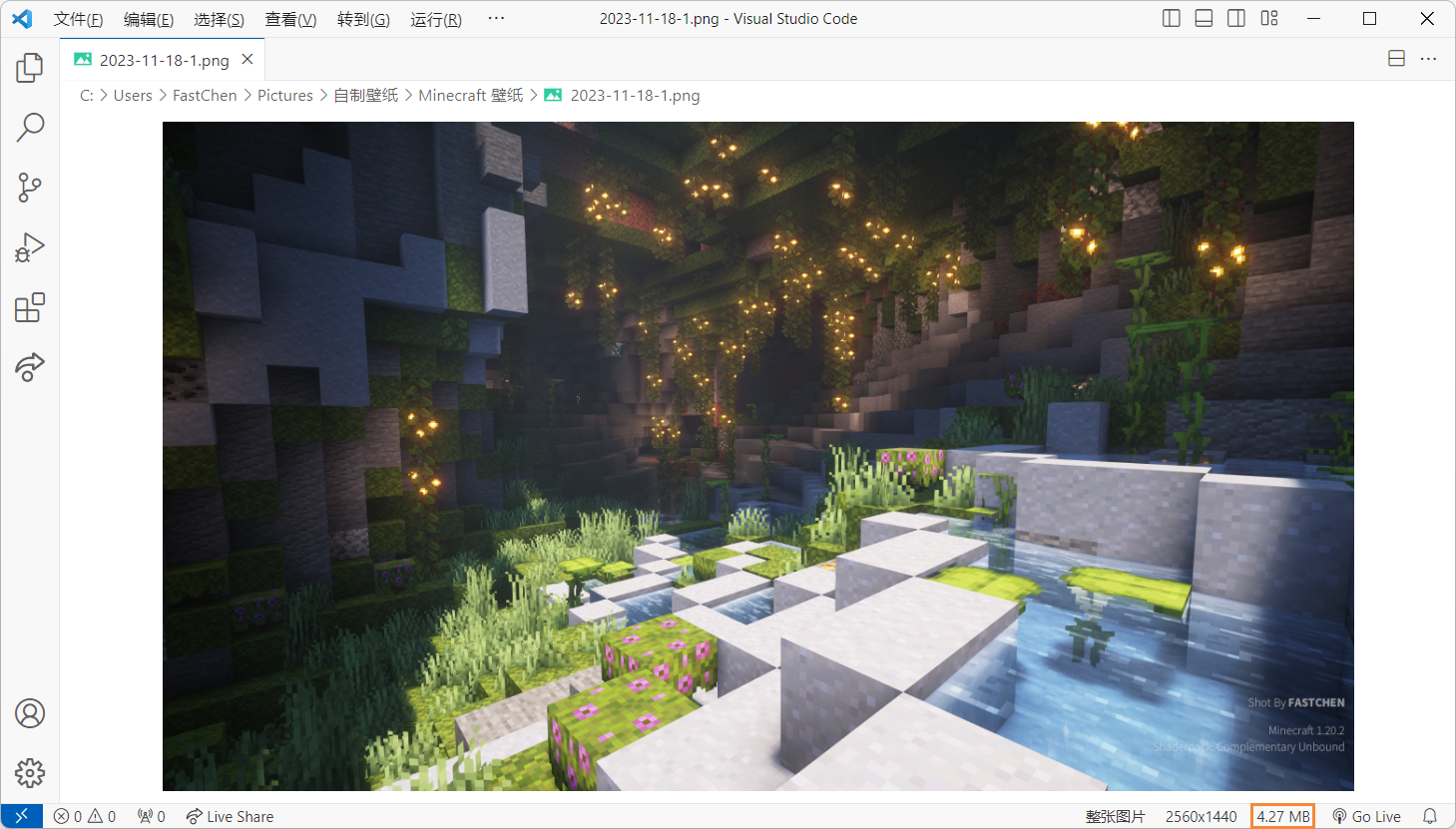
一个练手的项目, 它可以在右下角底部状态栏中显示当前打开的二进制文件的大小(KB)。
### Download / 下载
* **`[👍]`** VSCode 插件市场 中 搜索 `FastChen.fileinfo` 安装,可以自动同步更新
* 手动下载文件安装 [FastChen.fileinfo - VSCode Marketplace](https://marketplace.visualstudio.com/items?itemName=FastChen.fileinfo)
* 前往 [Github Releases](https://github.com/FastChen/vscode-fileinfo/releases) 下载
### Need Update / 计划更新
* [x] 显示文件的大小 `v0.0.1.728`
* [x] 根据大小自动切换文件进制格式 (KB、MB、GB、TB...) `v0.0.2.1111`
* [ ] 自定义配置位置 (状态栏的左右?)
* [ ] 根据不同文件有更详细的文件信息显示!
* [ ] 一些配置功能?
### Image / 一些图片
 **😊 Enjoy!**